Vocabulum news

Vocabulum is a free app for learning Greek in your browser or Telegram. This page lists notable updates to the app, from new sections to new topics and exercises, with the date each one arrived.

November 2026

  1. A blue owl points to a Greek conversation on a laptop and holds a card labelled “η γάτα”.

    Vocabulum in ChatGPT: A2 and B1 practice

    Vocabulum 1.0.7 is in the ChatGPT directory. Try “Give me an A2 dialogue with my words” or “Give me a B1 writing task.” The release also includes reading and listening practice, grammar and Cyprus culture exam preparation.

    The integration guide has prompts for a new chat. If a tool is unavailable on your connection, the chat can offer general practice or link to the relevant part of Vocabulum.

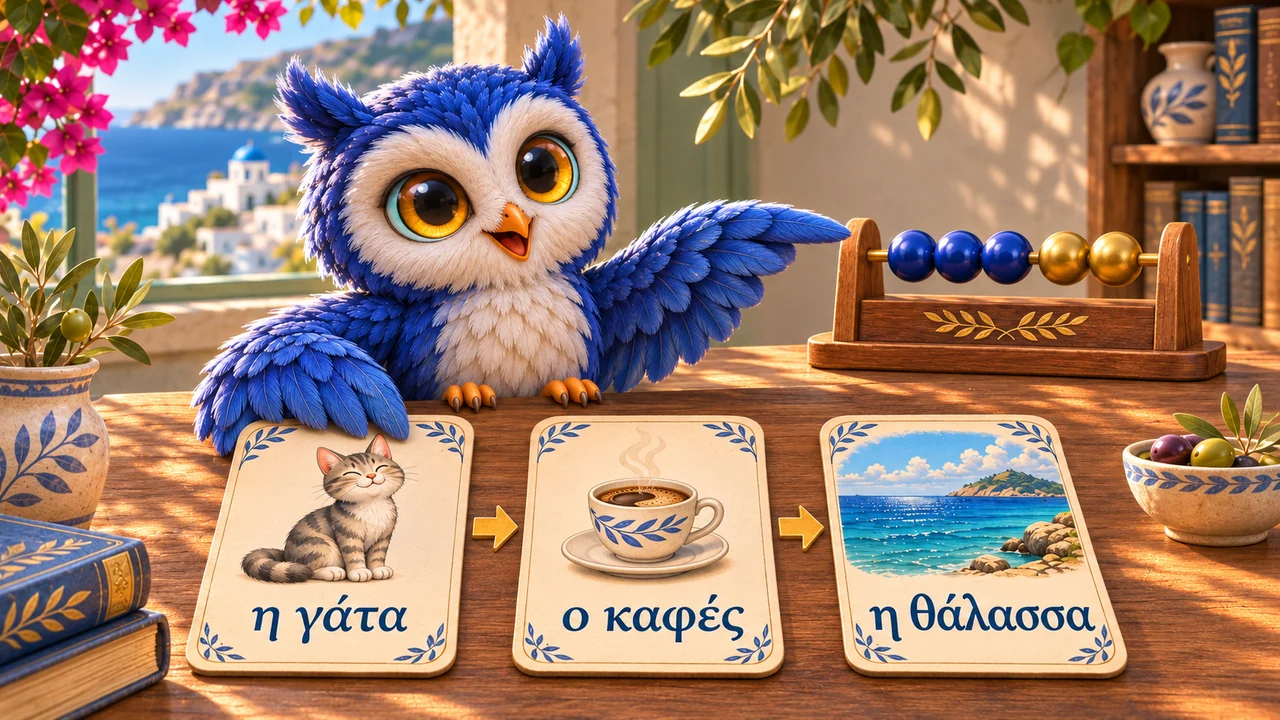
  2. A blue owl returns an “η γάτα” card to a row of words for study.

    Clearer word progress and an “I forgot this word” action

    A word card’s learning percentage now reflects your answers and time until the next review more accurately. After a mistake, later reviews help rebuild your memory gradually. At the end of a session, you can see how many words were reviewed when due and how many were reviewed early.

    If you really have forgotten a word, open its card and choose “I forgot this word”. After you confirm, that word’s learning progress resets and it returns to your queue as a new word. Your session history and earned points remain.

  3. A blue owl presents three Greek vocabulary cards and five progress beads.

    Daily review progress on the vocabulary home screen

    The vocabulary home screen now shows how many words you have reviewed today and how many are still due. The progress bar advances after an independent correct answer on a word due for review; answering the same word again that day does not raise the count twice.

    Below the main button, you can see the remaining queue, an estimated time for it and the number of new words, if any. This makes it easier to plan your next session. Separate review-only and new-word sessions are still available under Other practice.

  4. A blue owl points to the Vocabulum listing on a laptop screen labelled ChatGPT.

    Vocabulum is now in the ChatGPT plugin directory

    OpenAI has approved Vocabulum, and the plugin is now available in ChatGPT. Practise Greek with the words you are learning in Vocabulum. Ask ChatGPT for a translation exercise, a role-play or feedback on a letter.

    1. Find Vocabulum in the ChatGPT directory or open its listing and install the plugin.
    2. Connect your Vocabulum account with Google or Telegram.
    3. In a new chat, select Vocabulum from the “+” menu and write “Practise my difficult words”.
  5. Blue owl presenting a cat vocabulary card beside headphones and letter tiles.

    More variety in vocabulary review

    Vocabulary sessions now start with words that are due for review. When there are too few to fill a session, Vocabulum adds words you are learning and takes recent answers into account, so the same extra words are less likely to return in every consecutive session.

    Exercises for a newly introduced word also vary in format. You can keep studying throughout the day; the next session depends on your vocabulary and review schedule.

  6. Blue owl opening a box of illustrated Greek vocabulary cards.

    572 more Greek words and 154 expressions

    The dictionary has gained 572 words and 154 expressions for everyday conversations, travel and other real-life situations. Another 780 existing entries have been expanded with meanings, translations and examples to help you tell different uses of a familiar word apart.

    Find the new vocabulary in search, read its explanations and examples, then add what you need to your studies. Images are still being prepared for some new entries, and dictionary expansion continues.

October 2026

  1. Blue owl checking a lesson plan with illustrated Greek words.

    See your vocabulary session before you start

    The vocabulary home screen now shows what your next session will contain. Its main learning action combines review with new vocabulary. Choose review without new words when you want to work only with material you have already started.

    After a session, you can review mistakes or start another session right away. If you are new and have no words yet, Vocabulum offers a small starter set, with the option to choose a different collection.

  2. Blue owl marking a priority vocabulary card with a gold star clip.

    Prioritize the words you need next

    Preparing for a lesson or conversation? Mark the words you need as a priority and practice them in a dedicated session. Priority words are also introduced during regular sessions while preserving space for scheduled reviews.

    You can add words directly to learning from search or a word’s details, or start all words waiting in your queue at once. Remove a priority manually, or let it expire when the word is learned or after 14 days. You can prioritize up to 100 words at a time.

  3. Blue owl setting a vocabulary card in a pause tray beside an hourglass.

    Pause words without losing your progress

    Pause a word when you do not need to practice it for a while. It stays in My words with its saved progress, but no longer appears in training. You can resume learning it later.

    There is also a separate action for words you already know and do not want to review. These count as learned words. Pausing and marking words as known let you manage your vocabulary while keeping your study history.

  4. Blue owl beside a laptop showing a Google sign-in button.

    Sign in with Google to a new or existing account

    You can now sign in to Vocabulum with Google. Click Sign in at the top of the website, then choose Sign in with Google. If you are new, your account is created when you first sign in; no Telegram account is needed.

    Already studying in Telegram? Open Profile → Link Google there first. Choose your Google account in the browser, then return to the app, check the email and confirm the link. Signing in with that Google account will then open your existing account with your progress intact. Accounts created separately are not merged automatically.

Try what’s new

Open Vocabulum and see what has arrived lately.

Sign in to Vocabulum

Sign in to learn Greek and save your progress.